
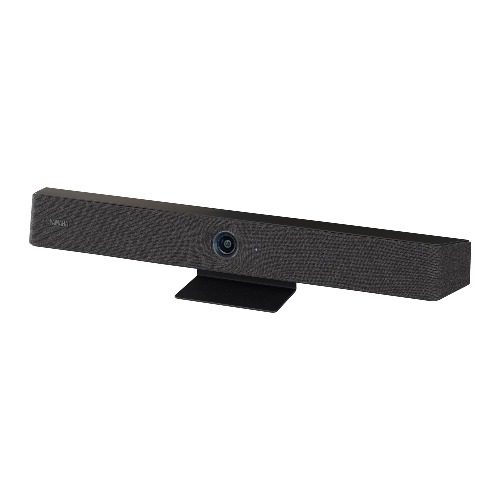
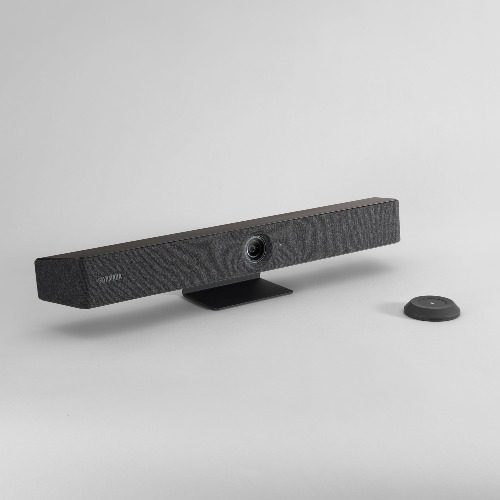
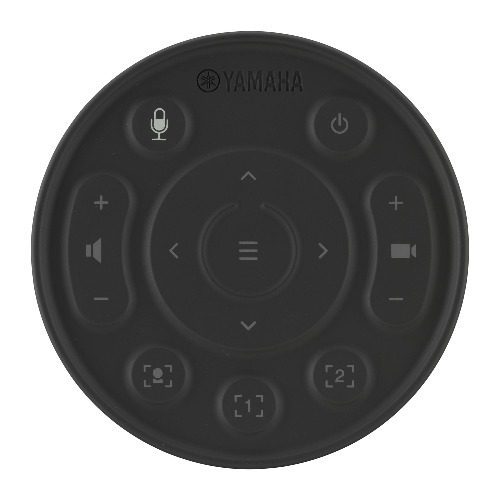
Yamaha CS-800 Video Conferencing Sound Bar
₹5,000.00 Exc GST
- Ideal For : Corporate Meetings, Conference Rooms, Hybrid Workspaces, Training Sessions, Online Presentations
- Highlights : Yamaha CS-800 AI Video Soundbar, 4K Camera, Hexa Beamforming Microphones, AI Noise Reduction
- Security Deposit : Rs. – 10000
Description
The Yamaha CS-800 Video Conferencing Soundbar is an advanced all-in-one video conferencing system designed for modern meeting rooms, huddle spaces, and collaborative work environments. It integrates a 4K camera, AI-powered beamforming microphone array, and high-quality full-range speaker into a single compact device for seamless communication during remote meetings.
With Yamaha’s SoundCap Eye™ AI technology, the CS-800 intelligently identifies meeting participants, focuses on active speakers, and suppresses background noise to ensure crystal-clear audio during calls. This intelligent technology combines Face Focus Beamforming, Self-Silence, and Self-Volume Balancer to provide natural conversation quality even in busy office environments.
The system supports plug-and-play connectivity through a single USB cable, allowing users to quickly start video meetings from their laptops in BYOD meeting rooms. With smart framing, automatic display activation, and flexible installation options, the Yamaha CS-800 provides a professional video conferencing experience without complex setup.
Key Features of Yamaha CS-800
4K AI-Powered Camera
The built-in 4K camera delivers sharp video quality and intelligent participant tracking for professional video conferencing sessions.
Hexa Beamforming Microphone Array
The six-microphone beamforming array captures voices clearly while minimizing background noise for natural conversations.
AI SoundCap Eye Technology
SoundCap Eye technology combines camera data and audio pickup to identify speakers and eliminate unwanted noise during meetings.
Smart Framing Technology
The camera automatically frames participants based on who is speaking or the group in the room.
- Group Mode – Shows all meeting participants
- Speaker Mode – Focuses on the active speaker
- Individual Mode – Frames a selected participant
High-Quality Full-Range Speaker
The built-in 90 dB full-range speaker is optimized for voice clarity, ensuring remote participants can be heard clearly across the room.
One-Cable USB Collaboration
Users can connect the system to their laptop using a single USB cable, enabling camera, audio, and display connectivity instantly.
Automatic Display Wake-Up
When participants enter the meeting room, the system can automatically wake the display using HDMI-CEC and show instructions to start the meeting.
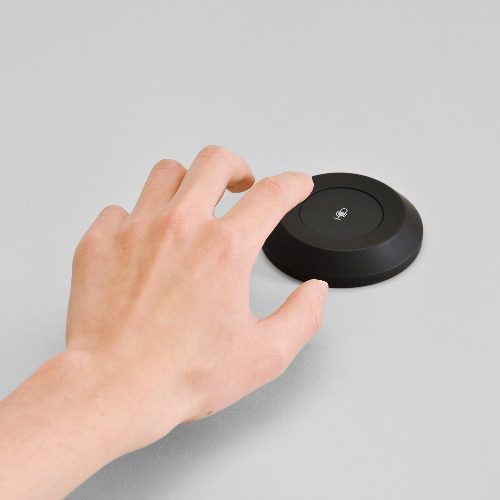
Multifunction Remote Control
The included remote control allows easy operation with:
- Large quick mute button
- Camera and audio controls
- On-screen display navigation
Connectivity Options
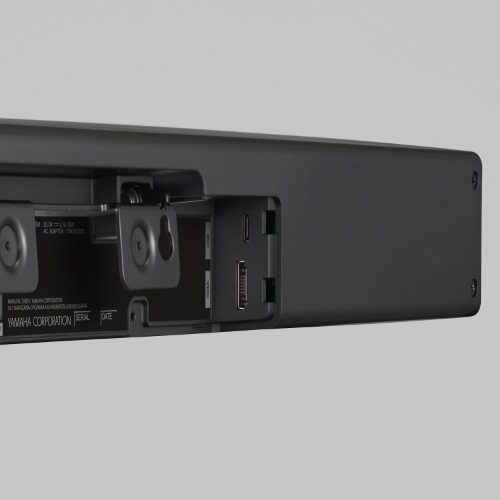
The Yamaha CS-800 supports multiple connectivity options for seamless integration with conferencing platforms:
- USB – Laptop or computer connection
- HDMI – Display connectivity
- Bluetooth – Mobile device connection
- Wi-Fi – Network connectivity
The system is compatible with popular video conferencing platforms including Zoom, Microsoft Teams, and Google Meet.
Why Choose the Yamaha CS-800 Video Conferencing System?
Intelligent AI Audio Technology
The CS-800 automatically detects voices and reduces background noise, ensuring clear conversations in open office spaces.
Professional Meeting Experience
With AI camera framing and high-quality audio, the device creates a natural and engaging meeting environment.
Easy Plug-and-Play Setup
The single-cable USB connection allows quick setup without complicated installation.
Compact All-in-One Design
The integrated camera, microphone array, and speaker eliminate the need for multiple conferencing devices.
Flexible Installation Options
The system can be placed on a table, mounted on a wall, or installed with a TV mount depending on the meeting room layout.
Ideal For
- Corporate video conferencing
- Office meeting rooms
- Hybrid team meetings
- Training sessions and webinars
- Client presentations
- Remote collaboration
What’s Included in the Box
- Yamaha CS-800 Video Soundbar
- Multifunction remote control
- USB cable
- Tabletop stand
- Wall mount bracket
- Power adapter
- User documentation
How To Place An Order
- Place your order directly on the website or contact our sales team.
- Share your identification, address proof, and company details for KYC verification.
- Our team will confirm availability and rental details.
- The device will be delivered to your home or office location.
- Payment can be made through UPI, Credit Card, Debit Card, Net Banking, or Cash on Delivery.
- After the rental period ends, our team will arrange device pickup.
Rental Benefits
- Flexible rental plans
- Affordable pricing compared to buying
- Technical support during the rental period
- Quick delivery and pickup service
- Ideal for temporary meetings, events, and office use
Additional information
| Rental Period | 1 Day |
|---|





Video Conferencing Solutions & GoPro Rental FAQs | RentOcart
Related products
-
 Select options This product has multiple variants. The options may be chosen on the product page
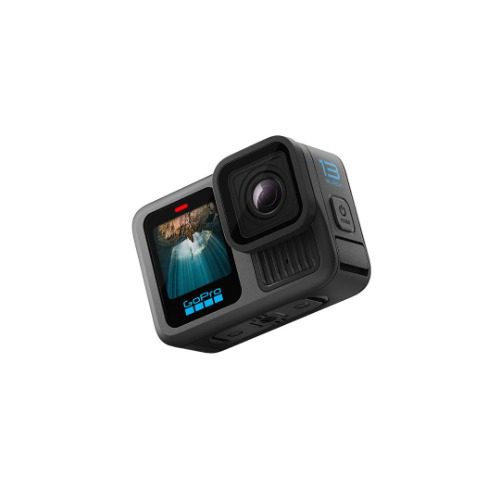
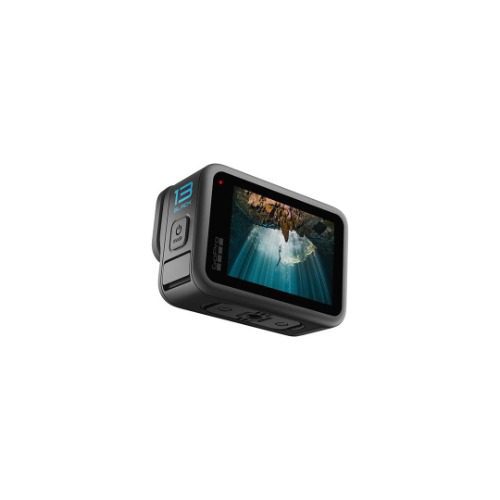
GoPro HERO13 – Waterproof Action Camera with 5.3K60 Video, 27MP Photo
₹1,370.00 Exc GST -
 Select options This product has multiple variants. The options may be chosen on the product page
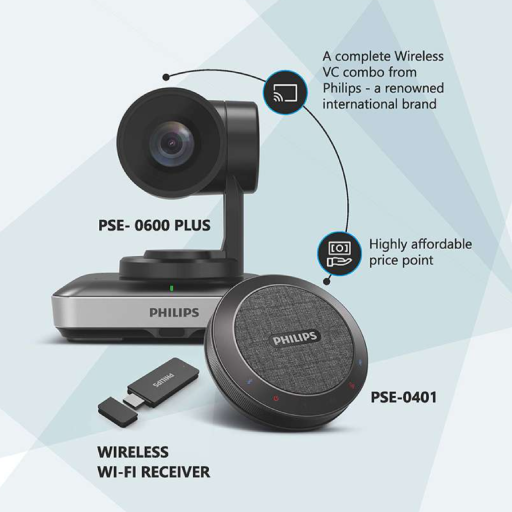
Philips PSE-0600 Plus Video Conferencing Solution
₹14,861.00 Exc GST